Download
Resq Harvest
ResQ Harvest is a Progressive Web App (PWA), which means you use it in your browser and can add it to your phone like a normal app, without going through any app store.
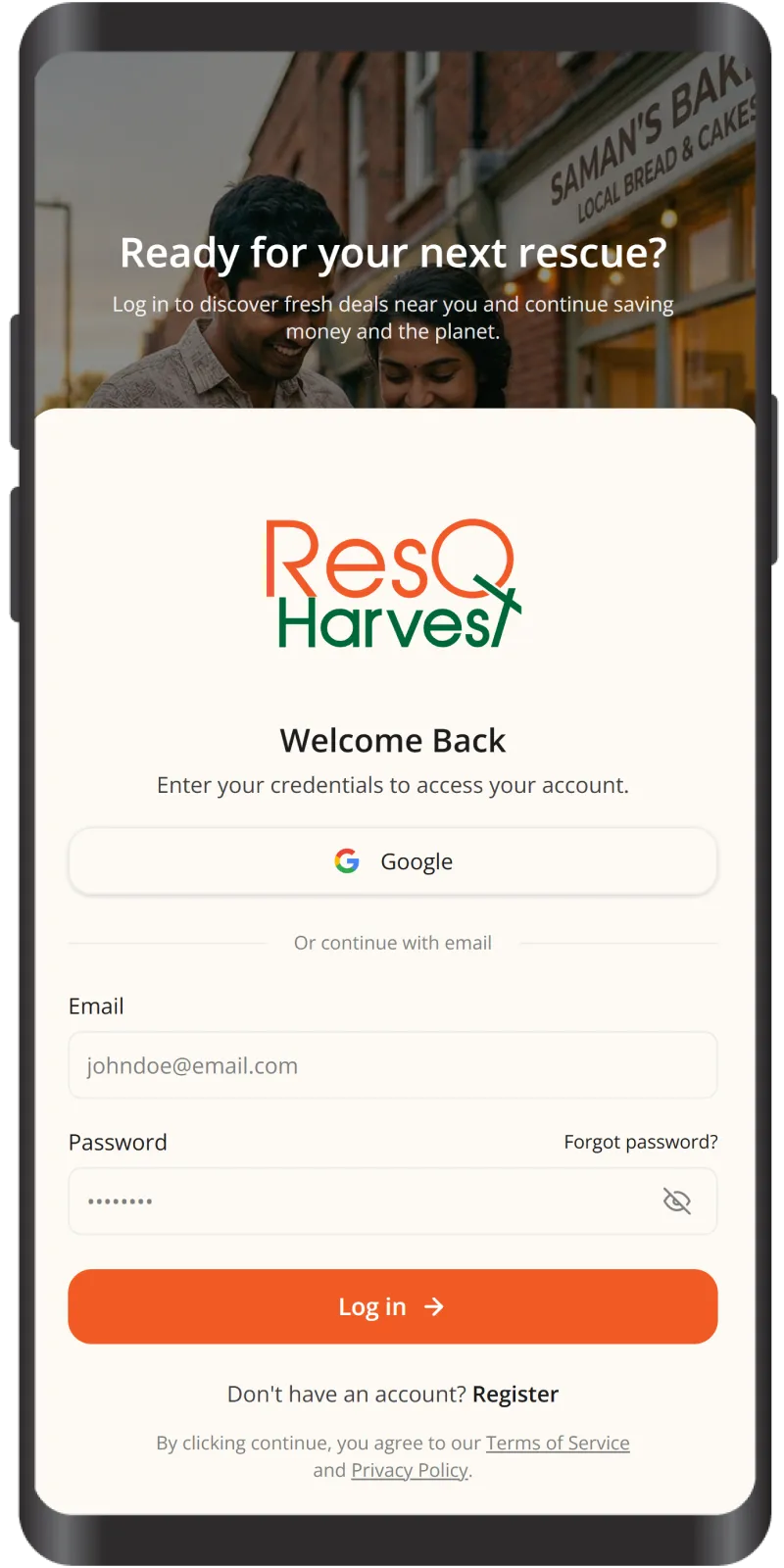
Quick Install Instructions
Open ResQ Harvest
Tap the “Visit Marketplace” button to open the web app in your browser.
Add to Home Screen
In your browser menu, tap “Install App” or “Add to Home Screen.”
Confirm
When prompted, tap Install / Add.
Use it like an App
ResQ Harvest will appear on your home screen with its own icon-just tap to open.
App Features

Real-time Availability
Stay updated with live drops of surplus heritage food as they happen.
Order Tracking
Track your rescue journey from the moment of purchase to pickup.
Easy Ordering
Secure your rescue items with a seamless one-tap checkout process.

Notifications
Never miss a delicacy with instant alerts for new flash sales.

Location Search
Find artisan sellers and heritage kitchens closest to your location.